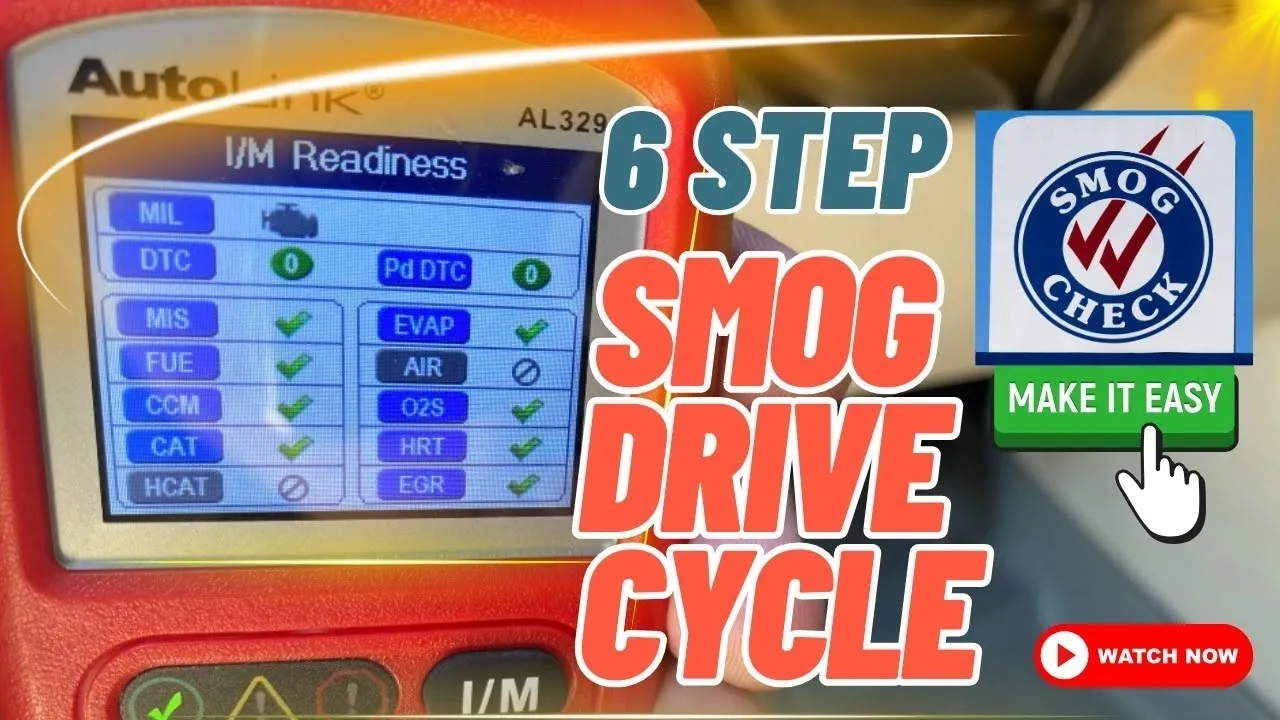
If you’re navigating the intricate world of car diagnostics and emissions tests, understanding how to complete a drive cycle effectively is crucial. In this blog, we’ll break down the six essential steps to complete a drive cycle and ensure your vehicle is ready for inspection. These steps are tailored for most vehicles but keep in mind that different makes and models may have slight variations.
Watch the full video HERE.
Step 1: Idle with No AC
Start by turning on the engine and letting it idle for 20 minutes. Make sure the air conditioning is off, and you aren’t using cruise control during the process. Before starting, use an OBD2 scanner to ensure there are no pending or permanent trouble codes, as these can prevent the drive cycle from completing successfully.
Pro Tip: If you encounter permanent diagnostic trouble codes (PDTCs), they cannot be erased manually. The issue must be resolved before attempting the drive cycle.
Step 2: Highway Driving at 65 MPH
Once your vehicle is warmed up, drive at a steady speed of 65 mph on the freeway. Avoid using cruise control and keep the AC off. Maintaining consistent speed is critical, as this helps set monitors like the oxygen sensor and catalyst.
Equipment Highlight: Consider investing in an OBD2 scanner, such as the AL329, which provides real-time updates on your monitor statuses, saving you from repeated rescans.
Step 3: Coast to Set EGR and Other Monitors
To set monitors like the EGR (Exhaust Gas Recirculation), coast from 65 mph down to 20 mph without applying the brake pedal. If your vehicle is equipped with a parking brake, you can use it to help slow the car without interfering with the test.
Step 4: City Driving
Drive in-town at speeds between 35 mph and 45 mph for 30 minutes. Be sure to drive smoothly—no sudden accelerations or harsh braking. Maintain your fuel level between a quarter and three-quarters of a tank, as this helps with EVAP monitor readiness.
Step 5: Idle in Drive and Park
After your city drive, park the vehicle and let it idle in drive for five minutes. Then shift to park and let it idle for another five minutes. This step is essential for certain monitors to complete their checks.
Step 6: Rescan and Address Unset Monitors
Use your OBD2 scanner to verify which monitors are still incomplete. You may need to repeat specific steps if certain monitors haven’t set yet. Focus on ensuring that all monitors except EVAP are ready, as most states allow the EVAP monitor to remain incomplete during an emissions test.
Additional Tips and Tricks
- Fuel and Battery: Avoid aftermarket fuel caps and always use OEM caps for optimal sealing. If monitors refuse to set, consider load-testing your car battery.
- Specific Vehicle Requirements:
- GM and Honda: Start the engine with the AC, rear defroster, and headlights on to add an electrical load.
- BMW and Mini: Keep RPMs below 3,000 during the drive cycle.
- Catalyst Readiness: For stubborn catalytic converter monitors, drive at high speeds or uphill to generate the heat required to activate the sensor.
Why You Should Care About Drive Cycles
Completing a drive cycle successfully ensures your vehicle meets state emission requirements and avoids costly retests. With increasing gas prices and evolving regulations, knowing these steps can save time, money, and frustration.
For vehicle-specific instructions or further help, check the links in the description. If you have lingering questions or need assistance, drop a comment below. Together, we can keep your car running smoothly and compliant with emission standards.
Final Thoughts
Completing a drive cycle might seem complex, but breaking it down into clear, actionable steps simplifies the process. Whether you’re a DIY enthusiast or just trying to pass your emissions test, this guide provides the foundation you need.
Related videos
▶️ OBD Reader used in video guide https://amzn.to/40VeOFl
▶️ How to find your state smog requirements –  • Why State Inspections Are A JOKE
▶️ EASY catalytic converter cleaning • Clean Catalytic Converter the Easy Way
▶️ Video about recommended scan tool • Inspection Monitors: Issues & Solutions
▶️ Recommended obd2 reader https://amzn.to/3Ztkpko
▶️ Understanding I/m Monitors • Inspection Monitors: Issues & Solutions
▶️ Pending Vs PDTC vs Stored • Diagnostic Trouble Code? Pending vs Stored