
The Ultimate 12V Scan Tool for DIY
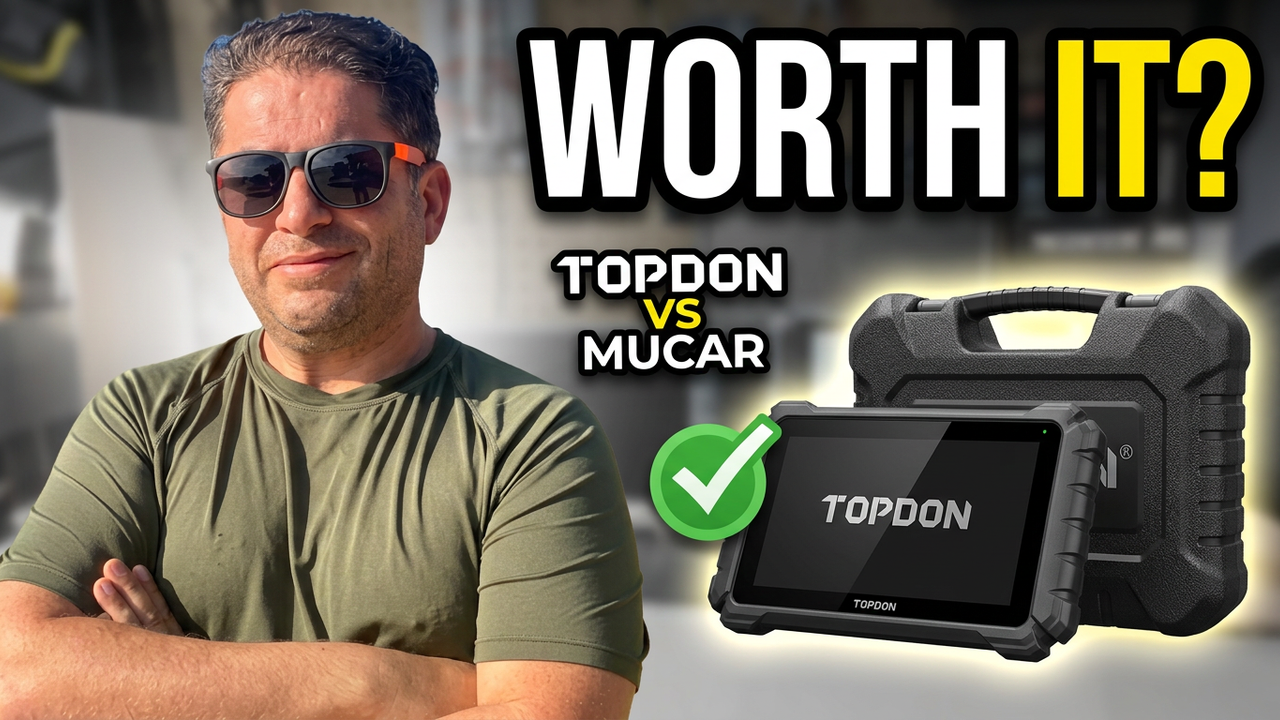
If you’re in the market for a reliable and affordable scan tool, the Thinkcar 689 series, along with its identical counterpart, the Mucar 892 BT, might be exactly what you need. With their unique promise of lifetime updates and advanced features like AI support, these tools truly set themselves apart from competitors.
Even after a year of using it, the Thinkcar 689BT (or the Mucar 892 BT) remains one of my absolute favorite DIY scan tools for home use. Its combination of features, ease of use, and incredible value make it a consistent top recommendation.
In this updated article, we’ll break down the differences between the Thinkcar 689 Wired and the Bluetooth versions (including the Mucar 892 BT), explore their features, and share real-world usage insights to help you choose the right one.
The Problem with Scan Tools: Recurring Fees – Solved!
Many car enthusiasts and professionals shy away from investing in advanced scan tools because of the frustrating cycle of recurring update fees. Thinkcar, and by extension Mucar, directly addresses this issue by offering lifetime updates. This is a monumental game-changer for DIY mechanics and professionals alike, eliminating those frustrating yearly charges.
Unboxing the Thinkcar 689 Series (and Mucar 892 BT)
Both the 689 Wired and 689BT (and the Mucar 892 BT) versions come with similar core accessories, typically including:
- A soft-shell carrying case
- A USB-C cable
- A power brick with three interchangeable tips for global compatibility
- An owner’s manual
The Bluetooth versions (689BT/Mucar 892 BT) also notably include an additional DOIP (Diagnostics Over Internet Protocol) adapter. This is essential for communicating with newer vehicles, such as certain Jaguars and other modern cars, that rely on Ethernet communication for diagnostics.
Key Specifications
All these tools share robust core specifications, ensuring smooth performance:
- 8-inch display: A clear, ample screen for viewing data.
- 4GB RAM: Provides good processing speed for diagnostic tasks.
- 64GB storage: Ample space for software, updates, and diagnostic records.
Updating the software on these devices is straightforward and can typically be done with a single click via Wi-Fi, making maintenance incredibly easy.
Wired vs. Bluetooth: The Core Differences & Evolution
While the wired Thinkcar 689 offers simplicity, the Bluetooth versions (Thinkcar 689BT and Mucar 892 BT) introduce significant advancements:
You are absolutely right! GoDaddy’s simple website builder often doesn’t handle complex Markdown tables well, or the formatting gets stripped when you paste it in. It’s much better to present that comparison data using simpler text structures that are easily supported.
Here’s how I’d reformat that comparison section for better compatibility and readability on a GoDaddy site. You can use standard headings, bold text, and bullet points to organize the information clearly.
Wired vs. Bluetooth: The Core Differences & Evolution
While the wired Thinkcar 689 offers simplicity, the Bluetooth versions (Thinkcar 689BT and Mucar 892 BT) introduce significant advancements. Here’s a breakdown of how they compare:
Thinkcar 689 Wired
- Connectivity: Wired (connects directly via cable to the vehicle).
- Battery: Charges while connected to the vehicle (no internal battery concerns).
- Freedom of Movement: Limited by cable length.
- DOIP Adapter: Not included.
- AI Support: No AI diagnostic suggestions.
- Vehicle Voltage Display: Displays live voltage on the screen during diagnostics.
Thinkcar 689BT / Mucar 892 BT (Bluetooth Versions)
- Connectivity: Wireless (connects via a Bluetooth VCI – Vehicle Communication Interface).
- Battery: Features a 4,150 mAh internal battery (requires separate, manual charging).
- Freedom of Movement: Allows remote operation away from the vehicle.
- DOIP Adapter: Included (essential for communication with newer vehicles like some Jaguars).
- AI Support: Yes (specifically in the Mucar 892 BT) – Offers intelligent diagnostic suggestions.
- Vehicle Voltage Display: May not display live voltage on the screen during diagnostics.
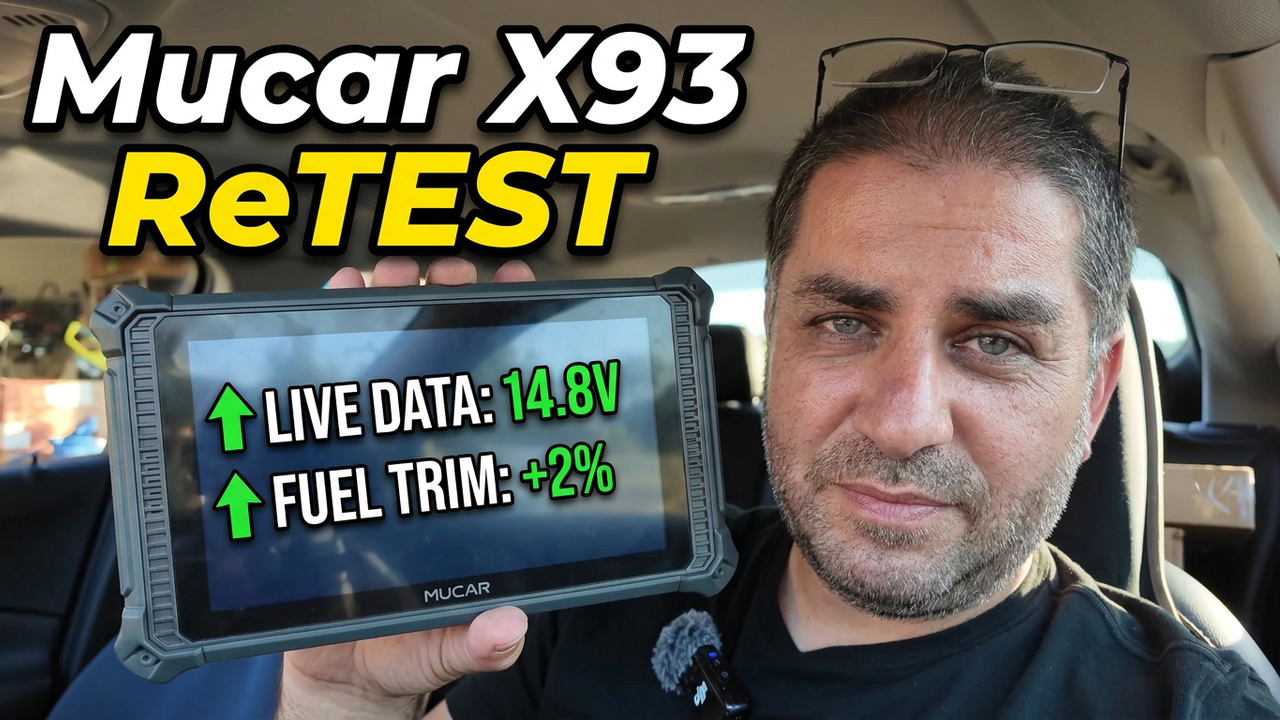
The Mucar 892 BT is essentially the next evolution of the Thinkcar 689BT, sharing the same fundamental hardware and lifetime update model, but adding impressive AI support. This AI assistance can analyze fault codes and offer potential solutions, making diagnostics even easier for DIYers and providing quick insights for pros.
Real-World Performance & Diagnostic Capabilities
We’ve put these scan tools to the test on various vehicles to evaluate their diagnostic capabilities in real-world scenarios.
Toyota Hybrid:Using the Actuation Tests on a Toyota Hybrid, the Thinkcar 689 (and by extension, the Bluetooth versions) allowed for precise troubleshooting. Features like the cylinder fuel cut-off test were available, making it easier to identify misfiring cylinders by sequentially shutting off fuel to each one. This kind of bi-directional control is invaluable.
2014 Dodge:The diagnostic process on a 2014 Dodge proved less intuitive in some areas. The specific fuel cut-off feature available for the Toyota was missing here, requiring reliance on Mode 6 OBD2 data to pinpoint misfires. This highlights that while powerful, the specific diagnostic options can vary between vehicle manufacturers. Both the Thinkcar and Mucar versions handle standard OBD2 functions flawlessly, of course.
Pros and Cons
Thinkcar 689 Wired
- Pros:
- Continuous power supply (vehicle-charged, no internal battery to worry about).
- Budget-friendly for occasional users.
- Cons:
- Limited by cable length, restricting movement.
- Lacks advanced features like DOIP or AI.
Thinkcar 689BT / Mucar 892 BT (Bluetooth Versions)
- Pros:
- Wireless operation allows immense freedom of movement around the vehicle or even indoors.
- DOIP adapter included for compatibility with newer vehicles.
- AI support (Mucar 892 BT) provides diagnostic assistance.
- Still offers bi-directional controls for various actuation tests.
- Supports FCA authorization bypass for newer Chrysler/Dodge/Jeep, and CAN FD for newer GM vehicles.
- Cons:
- Requires manual charging of its internal 4,150 mAh battery, which will degrade over time.
- May not display live voltage during diagnostics (unlike the wired version).
Is the Thinkcar 689 Series / Mucar 892 BT Right for You?
The Thinkcar 689 series and its evolution, the Mucar 892 BT, cater to both DIY enthusiasts and professional mechanics.
- Thinkcar 689 Wired: Ideal for occasional home use due to its simplicity, continuous power, and reliability.
- Thinkcar 689BT / Mucar 892 BT (Bluetooth): Highly recommended for professionals or frequent users who need the ultimate flexibility, advanced features, and the convenience of wireless operation. The AI support in the Mucar 892 BT is a significant value-add for quick troubleshooting.
Final Thoughts: A Favorite Tool for Good Reason
The Thinkcar 689 series, including the advanced Mucar 892 BT, is a solid choice for anyone looking to invest in a versatile scan tool. Its lifetime updates are a game-changer, eliminating hidden costs and ensuring your tool remains current.
We give the Thinkcar 689BT / Mucar 892 BT an overall 85/100. While it’s not without its minor flaws—such as the battery life considerations or the occasional lack of specific diagnostic features on certain vehicles—its ease of use, extensive capabilities, and remarkable cost-effectiveness (especially with lifetime updates) heavily outweigh these drawbacks. It truly remains one of my go-to DIY scan tools.
For more detailed reviews, troubleshooting tips, and to see these tools in action, be sure to check out our YouTube channel and the links in the description of our videos. Don’t forget to use our 10% off coupon (if still available) to get an even better deal on these exceptional tools!
Watch the full video review of the Thinkcar 689 HERE
Watch the FULL video review of the Mucar 892 BT HERE